Before you begin
- Only completed lessons show for billing. lessonu completes them once a day, so today's lessons may not show until tomorrow.
- Set your business name, and GST if you charge it, in Settings under Business. Bank details: see Get paid.
- The student or their parent has an email in lessonu. Otherwise nobody is emailed, and nothing warns you.
- A running trial or paid plan. Otherwise lessonu won't make, send or cancel invoices, and says subscribe to make changes.
Open a new invoice
On a phone: tap More in the bottom bar, then Invoices under Money.
On a computer: select Invoices under Money in the sidebar.
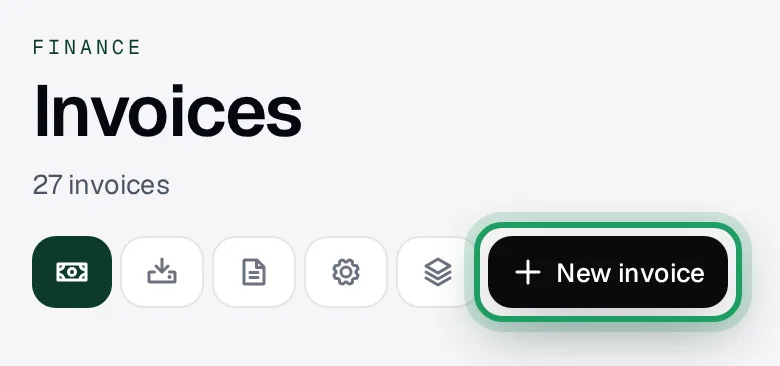
Tap New invoice at the top of the page.
A window opens, headed Bill a student.
Leave it on the From lessons tab.
On a phone, the Back button, a back swipe or dragging its grey bar down closes it without saving.
Pick the student
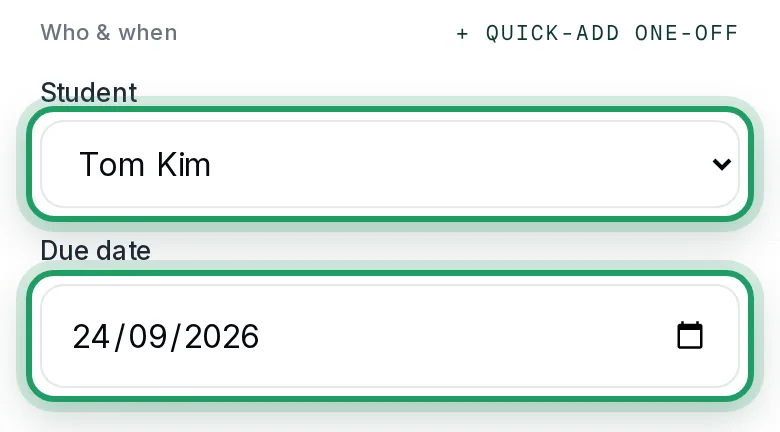
Tap Select a student…, under Student.
Choose the student from the list.
Check Due date. It's set 14 days from today, unless you've changed your default.
Change it here if you need to.
Tick the lessons
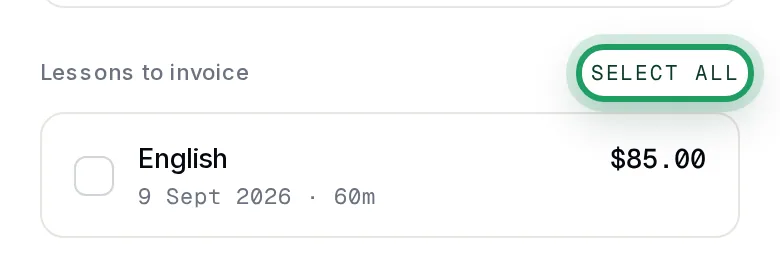
Under Lessons to invoice, tap each lesson you want to bill.
To bill every lesson in the list, tap Select all.
Billed a term ahead with Custom · upfront? Those lessons still show here. Don't tick them.
Lesson missing? It may not be completed yet. See “A lesson is missing from the list. Why?” below.
Send it
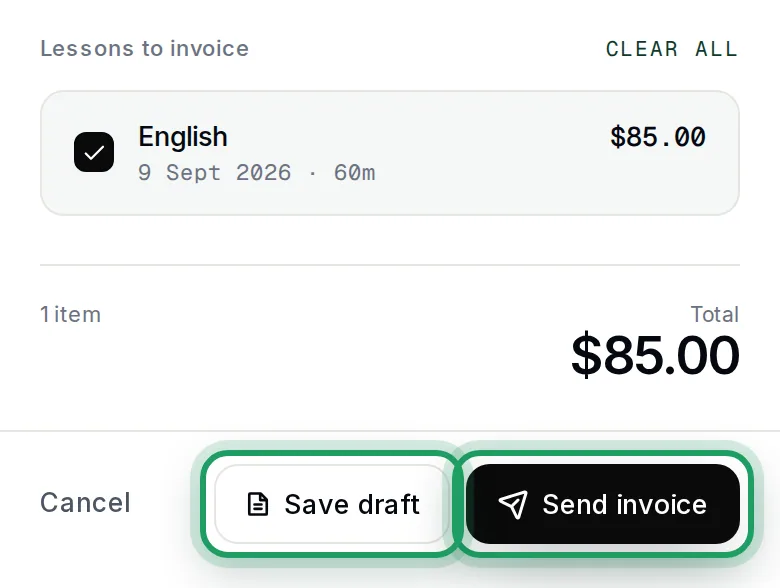
Check the Total above the buttons. Any GST is added on top of it.
A draft can't be deleted, and its lessons stay on it. Save one only if you'll send it.
Not ready to send? Tap Save draft instead. Nobody is emailed, and the family can't see it.
To send it now, tap Send invoice.
The window closes, and you'll see Invoice created.
It shows as Sent in your list. lessonu emails the family, if they have an email in lessonu.
Watch it on a computer
Good to know
- Unpaid invoices show as Overdue from the evening after the due date. The family gets reminders 3, 7 and 14 days after the due date. lessonu never cancels them: 21 days after the due date it emails you once.
- When the invoice is made, lessonu takes off any automatic discount, then adds GST if Add tax to invoices is on. So with 10% GST, a $50 lesson becomes $55.
- If the student has account credit with you, sending spends it on the invoice. If it covers the whole amount, the invoice goes straight to Paid.
Questions
A lesson is missing from the list. Why?
Most often it isn't completed yet. lessonu completes lessons by itself once a day, at about 2pm Sydney time (3pm in daylight saving).
It only completes lessons that ended at least 30 minutes before, so later ones wait until the next afternoon.
To bill one sooner, tap Cancel to close the invoice window. Your picks aren't kept.
Open the lesson in Calendar and tap Mark Completed.
The button shows once the lesson has ended.
Then tap New invoice and start again.
The list also leaves out lessons that are paid, or already on an invoice or a draft. Group-class lessons never show here.
If none are left, it says Nothing to bill yet.
How do I bill a whole term in advance?
Tap New invoice, then the Custom · upfront tab.
Pick the Student first. The lines only appear after that.
Type a description, such as “Term 1 · 10 piano lessons”, and an amount.
For another line, tap Add line item.
Send invoice stays grey until a line has a description and an amount above $0.
When you're ready, tap Send invoice.
It isn't linked to the lessons: when they're done they still show under From lessons, so don't bill them again, and don't set up Auto-Invoicing for that student.
Auto-Invoicing, under Money, can bill a lesson by itself once it's completed.
How do parents pay?
Once you've connected Stripe, families can pay by card from the invoice.
Your bank details show on it while it's unpaid. They aren't in the email itself.
Without them or Stripe, the invoice says “Ask your teacher how to pay this invoice.”
The email's Pay Now button opens the invoice without logging in, until 120 days after the due date. Each reminder's link works for 30 days.
Get paid sets up both, and shows how to record a bank transfer.
The family didn't get the email. What now?
Sent doesn't prove an email went out.
The invoice email comes from your business name followed by “via lessonu”, or just “lessonu” if you haven't set one.
Ask the family to search for that and check spam.
On a phone held upright, find the child's card on Students.
A Parent: line on it means lessonu has that parent's email.
No Parent: line? Open the child from Students.
Tap Edit.
With Parent email and Email (for the portal invite) both empty, nobody is emailed.
Then no reminders go out either, and you never get the 21-day email.
Type the parent's own email in Parent email, if it's empty or wrong.
Tap Save changes. Reminders then go to that email.
To send this invoice now, open it and tap Copy Link, not the address under it.
Paste the link into a message to the family.
Can I edit or cancel a sent invoice?
You can't edit an invoice. To fix one, cancel it and make a new one.
Open it, scroll to the bottom and tap the red Cancel, not Close.
Tap OK to confirm. The window stays open, and its label changes to Cancelled.
Its reminders stop, and its lessons show under From lessons again, ready for a new invoice.
Cancelled invoices only show under All in your list.
lessonu doesn't email the family that it's cancelled, so let them know.
How do I send a draft later?
Open it from your list. On a phone, tap the card itself, not the small tick box on its left.
Scroll to the bottom and tap Send Invoice.
The window stays open, and the label at the top changes to Sent.
A draft keeps the due date it was made with. If you send it after that date, it arrives already past due.
What’s nextGet paid