Before you begin
- The student's full name.
- For a child, a parent's name and email. For a teen or adult, their own email.
- For a child, a parent's or guardian's OK. The form asks you to confirm it.
- A running free trial or paid plan. Without one, the student won't save, and Upgrade to Solo to continue opens.
Open your students
On a phone: tap Students in the bar at the bottom.
On a computer: select Students in the sidebar, under People.
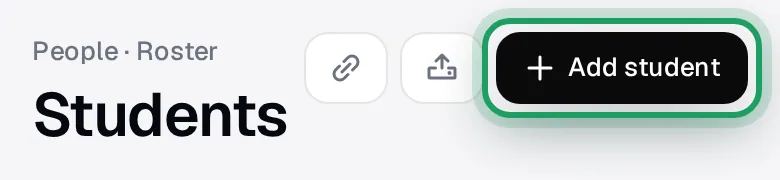
Tap Add student at the top right.
The New student. window opens on the Add manually tab.
No students yet? Use Add student at the top, not the short Add your first student. form.
The short form has no Subjects or Date of birth, and what you type isn't carried over.
Type their name
Type the student's name in Full name.
Choose child or own email
Choose the one that fits:
- A child, or anyone without their own email: tick Child / minor.
- A teen or adult with their own email: type it in Student email.
Once you tick Child / minor, the Student email box disappears.
Never type a parent's email in Student email. It goes under Parent · Guardian, further down.
lessonu doesn't email a teen or adult when you save, even though the form mentions a portal invite.
To sign in, they use Forgot password? on the sign-in page with that email.
Confirm the parent's OK
Date of birth is optional.
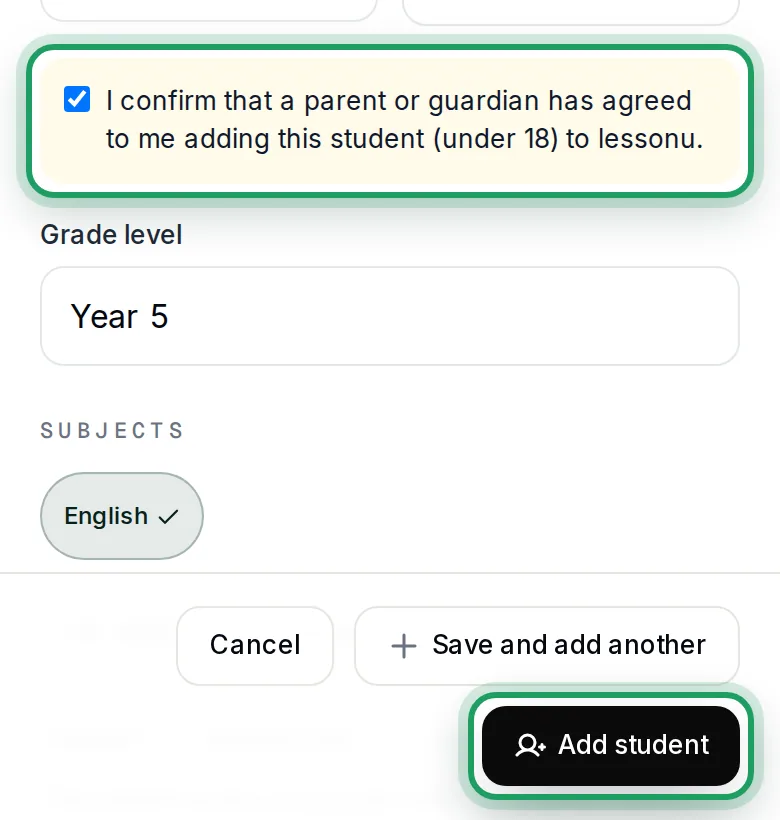
With Child / minor ticked, a yellow box appears under Date of birth.
It also appears for a Date of birth under 18.
Tick I confirm that a parent or guardian has agreed to me adding this student (under 18) to lessonu.
Until you tick it, Add student and Save and add another stay greyed out.
Add subjects, if you like
Grade level is optional.
Under Subjects, tap each subject they learn.
No buttons, or their subject isn't there? Type it in the box under Subjects.
Then tap Add next to the box, or the subject isn't saved.
The buttons come from your profile's subjects and your active lesson types.
Add the parent who pays
Scroll down to Parent · Guardian.
It's marked required for a child. For a teen or adult, fill it in only if a parent pays.
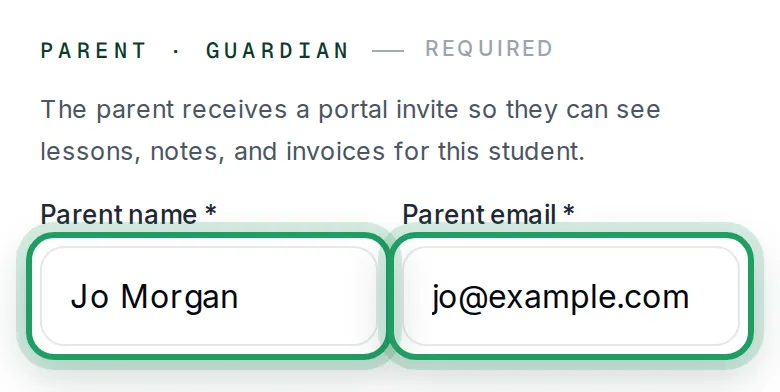
Type the parent's name in Parent name.
Type the parent's own email in Parent email. Never use yours.
With your email there, the parent gets no emails, not even invoices, and no button invites them later.
When you save, a parent new to lessonu gets an email with a Set Up My Account button.
Its link lasts 1 hour, so tell the parent to look out for it.
Save the student
At the bottom of the form, tap one:
- Add student: the form closes, and you'll see Student added successfully. for about 3 seconds.
- Save and add another: the form empties and tells you the student was added.
On a phone: check that the child's card on your list shows Parent: and the parent's name.
Save and add another empties the whole form and unticks Child / minor and the yellow box.
For a brother or sister, tick both again and retype the parent's name and email.
Nothing happened? Scroll down to the red box above the buttons.
Watch it on a computer
Good to know
- Cancel, the X, tapping outside the form and going Back all throw away what you typed. On a phone, so does dragging the grey handle down.
- lessonu doesn't spot a child added twice. Adding them again makes two copies, so check your list first.
Questions
How does a teen or adult student sign in?
lessonu doesn't email them, even though the form mentions a portal invite.
No button invites them later, so their first lessonu email may be an invoice. Tell them yourself.
They tap Forgot password? on the lessonu sign-in page.
They type the email you added.
They tap Send reset link. The link lasts 60 minutes.
If they already use lessonu with another teacher, they sign in with that password.
The parent says no email arrived.
It comes from your name followed by “via lessonu”.
Ask them to search for that, and to check spam.
The Set Up My Account link lasts 1 hour.
After that, or if it never came, they tap Forgot password? on the sign-in page.
They don't need an account to see invoices. Each invoice email opens the invoice without signing in.
How do I add a brother or sister?
Add them the same way, with the same parent email.
This time the parent gets an email saying the child “has been linked to your lessonu account”.
There's no new Set Up My Account link.
If they never set a password, they tap Forgot password? on the sign-in page.
Do I need to tap Invite to portal on a child?
No. The parent was emailed when you saved, unless a note said their email “couldn't be set up”.
Invite to portal gives the child their own login. It never invites the parent.
It needs the child's own email. Without one, Send invite says “No email on file for this student.”
To add the child's email, open the child and tap Edit.
Type it in Email (for the portal invite).
Tap Save changes.
On Students, tap Invite to portal on the child.
On a computer: the button shows when you point at the child's row.
Tap Send invite. The child gets a Set Up My Account link that lasts 1 hour.
It says an account with this email already exists.
The full message is “An account with this email already exists and is not a student account.”
That email already has a lessonu login that isn't a student's, often your own.
If it's a parent's email and the student is a child, tick Child / minor first.
Then type that email in Parent email, under Parent · Guardian.
Otherwise, use a different email.
A note says the parent's email “couldn't be set up”.
The student was added, but their parent wasn't set up.
That email usually already has a teacher or student login, such as yours. The parent isn't emailed.
A child's invoices still go to that address. A teen's or adult's go to their own email.
No button invites that parent later, so always use the parent's own email.
Tap the X to close the note.
After Save and add another, the same note shows in the red box above the buttons.
What’s nextSet up weekly (or fortnightly) lessons