Families see these on every invoice: your logo, business name, address and ABN at the top, and your email and phone at the bottom.
Before you begin
- Have your ABN ready if you have one, and know whether you're registered for GST.
- If you want a logo, have a JPG, PNG or WebP image under 2MB.
Open Settings
On a phone: tap More, then Settings under Account, the last group.
Or type settings in Search tools… at the top. Typing business finds nothing.
On a computer: in the sidebar, open the Settings group, then select Settings, its last item.
Settings opens on Profile.
Open the Business section
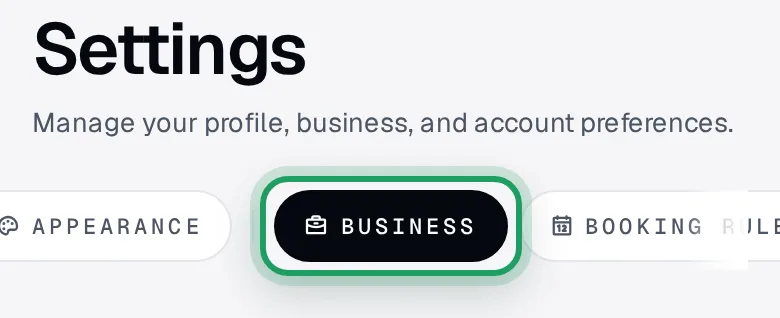
On a phone: can't see Business in the row of buttons at the top? Swipe the row sideways.
Tap Business, the 6th button, just after a thin divider.
On a computer: in the Settings page's own list, select Business, under the Business heading.
Add your name and country
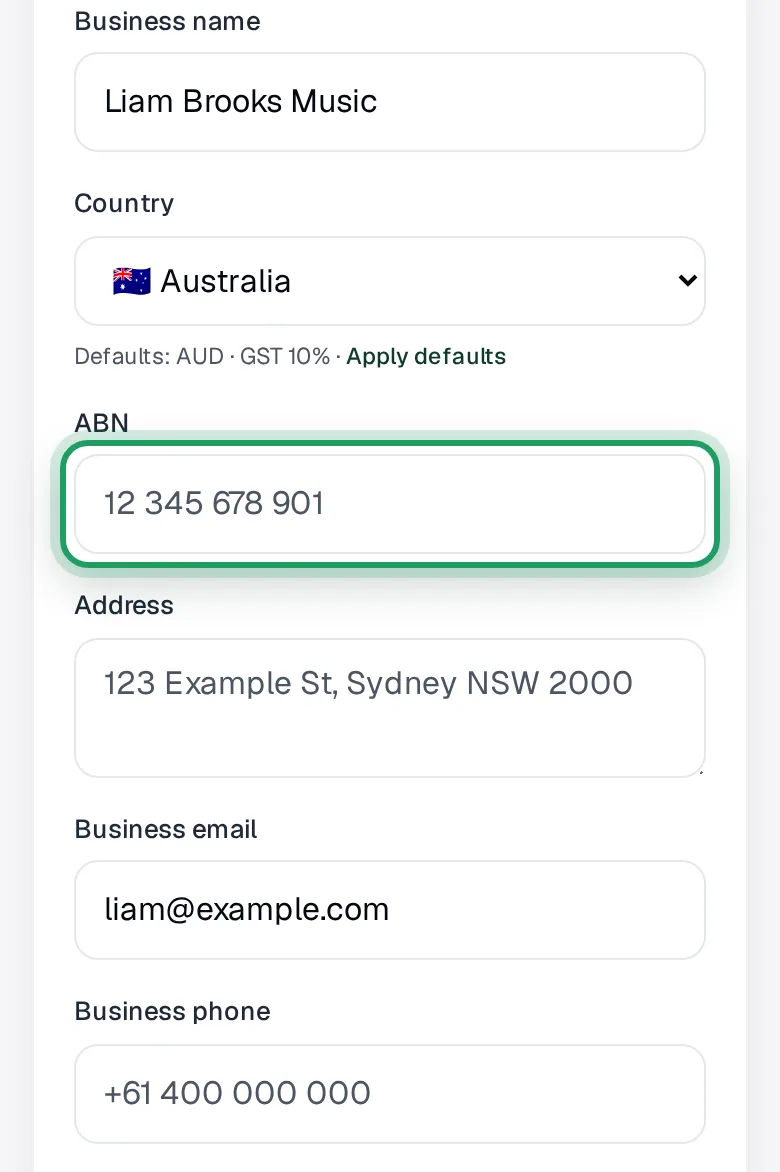
In the Who you invoice as card, type your business name in Business name.
No trading name? Type your own name, so invoices and emails show it.
Choose Australia in Country. New Zealand? See Questions below.
Add ABN and contact details
Type your ABN in ABN. No ABN? Leave it empty.
Fill in Address, Business email and Business phone.
Type the whole email address, like jane@example.com, or the save fails.
Leave Website empty. Invoices and invoice emails don't show it.
Typing one anyway? Start it with https://, like https://yourbusiness.com.
Check the currency
Under Default currency, check Currency shows AUD, or NZD in New Zealand.
Shows something else? Tap it and choose AUD or NZD.
Any other currency makes the save fail.
Turn on GST if registered
Not registered for GST? Skip this step.
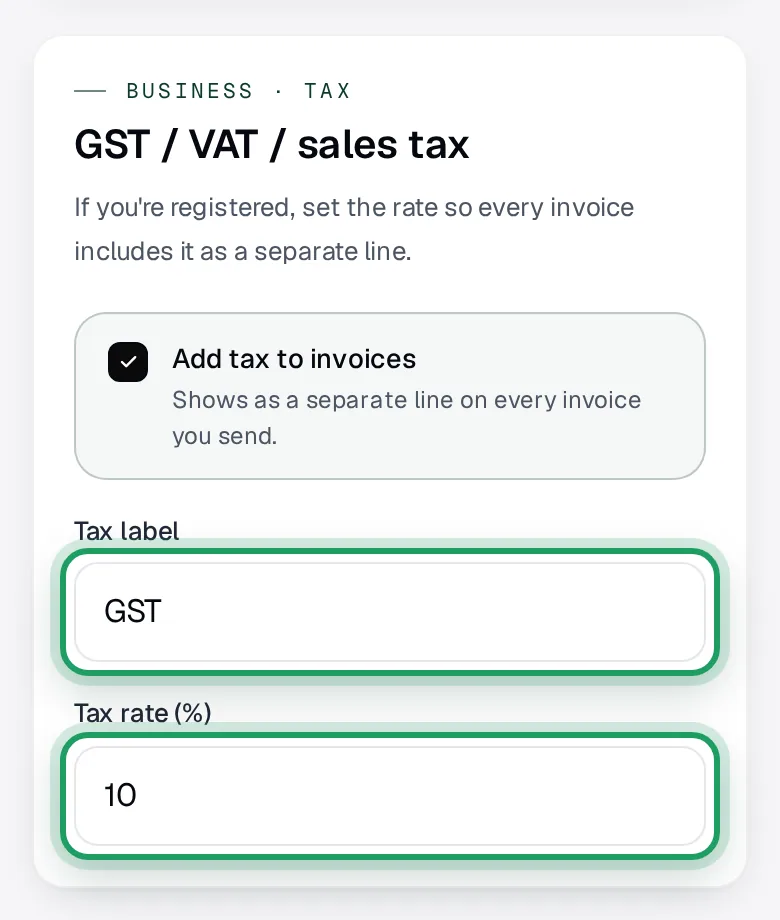
In the GST / VAT / sales tax card, tap Add tax to invoices.
Its box shows a tick.
Check Tax label says GST and Tax rate (%) says 10, or 15 in New Zealand.
At 10%, GST goes on top of your price. An $80 lesson is invoiced at $88.
Save your details
Save before you leave this page. Nothing warns you, and what you typed is lost.
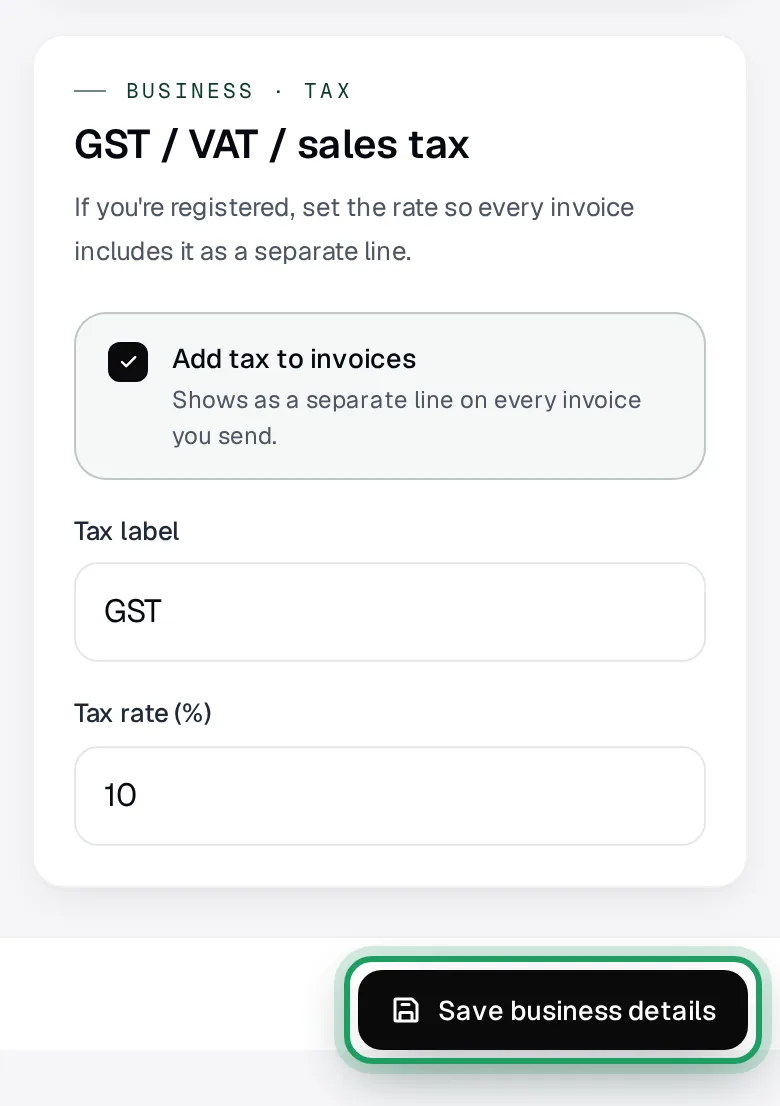
On a phone: scroll to the very end of the page.
Tap Save business details.
The button says Saving…, then turns green and says Saved for about 3 seconds.
If the page jumps to Website instead, add https:// to the front and tap again.
If you see Failed to save business details, nothing was saved.
The fixes are under Questions, below.
Open the invoice settings
No logo? You're done.
Your logo goes in the invoice settings, not on the Business page.
On a phone: tap More, then Invoices under Money.
On a computer: select Invoices in the sidebar's Money group.
Tap the gear button at the top of the Invoices page.
On a phone: it's the 4th small button, with no word on it.
On a computer: it also says Settings.
It opens Personalise your invoices.
Upload your logo
In the Business details card, tap Upload logo.
Pick a JPG, PNG or WebP image under 2MB.
The button says Uploading… while it works.
If you see Logo must be under 2MB, pick a smaller image.
If you see Logo upload failed — your current logo is unchanged, try again.
Save your logo
Leave the other boxes on this page as they are.
Your logo isn't kept until you save, and nothing warns you if you leave.
Tap Save changes, back at the top of the page.
The button shows Saved for 2 seconds.
Good to know
- Until you add bank details or set up card payments, invoices say only “Ask your teacher how to pay this invoice.” Get paid shows how to add your bank details.
- Turning GST on doesn't change invoices already made, drafts included.
- A family's reply to an invoice email goes to the email you sign in with, not your Business email.
Questions
Why does it say “Failed to save business details”?
Nothing was saved, and the message doesn't say which box was refused.
Usually Currency isn't AUD or NZD, or Business email isn't a full address.
Picked another country, like United States? That changes the currency, tax label and rate too.
It also blocks card payments, even with AUD.
Choose Australia in Country again.
Tap Apply defaults, in the small line under it.
Other causes: a phone number with letters or under 6 digits, or an ABN over 20 characters.
Saving about 10 times in one minute also blocks it. Opening Business, Calendar, Payments or Billing counts too.
Fix the box, or wait a minute, then tap Save business details again.
I don't have an ABN. Can I still send invoices?
Yes. Every box on the Business page is optional.
Leave ABN empty, and your invoices go out without one.
What shows if I leave a box empty?
With Business name empty, invoices show your name with 's Practice' added, like Jane Smith's Practice.
Invoice emails then come from plain lessonu, not from you.
An empty Address or Business phone may show your school's instead, if it has one.
With Business email empty, the PDF shows the email you sign in with.
An empty ABN is left off.
I changed or removed a detail. Do my old invoices change?
Each invoice keeps the business name, ABN, currency and GST setting it was made with.
If a box was empty then, the invoice shows what you have now.
Your logo, address, email and phone always show as they are now, even on invoices already sent.
To remove a detail, empty its box and tap Save business details.
To remove your logo, tap the X beside it on Personalise your invoices, then Save changes.
I'm in New Zealand. What's different?
Choose New Zealand in Country.
Unless you've changed them, the currency switches to NZD and the tax rate to 15%.
Type your NZBN in the box labelled NZBN.
lessonu can't take card payments for New Zealand teachers yet. Bank transfer and cash invoices work now.
Switched back to Australia? Tap Apply defaults for AUD and 10%.
Then tap Save business details.
It says “We couldn't load your business details”.
lessonu couldn't read your saved details, so it hid the form rather than let a save overwrite them.
Reload the page to try again.
What’s nextAdd a student